
How does it work?
The Signature answer type allows checklist creators to configure questions that can only be answered by entering a signature. This ensures that checks have been validated and verified by a store manager for example.
Key Benefits
- Confirms validation of checks: Adds an extra layer of verification to your compliance processes.
- Confidence in completed work: Increases confidence through formal confirmation by the responsible individual.
Using the Signature answer type
- Configure your checklist question to use the signature answer type.
- Riskproof > Monitoring > Manage Checklist > Create question> Select Signature answer type
- Save and assign the checklist.
Complete all mandatory fields
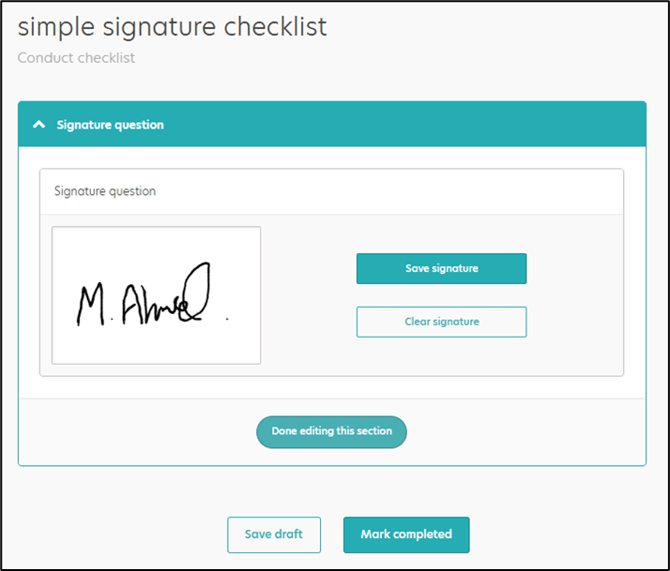
The answer type can be used in ANY checklist where you think it is appropriate